
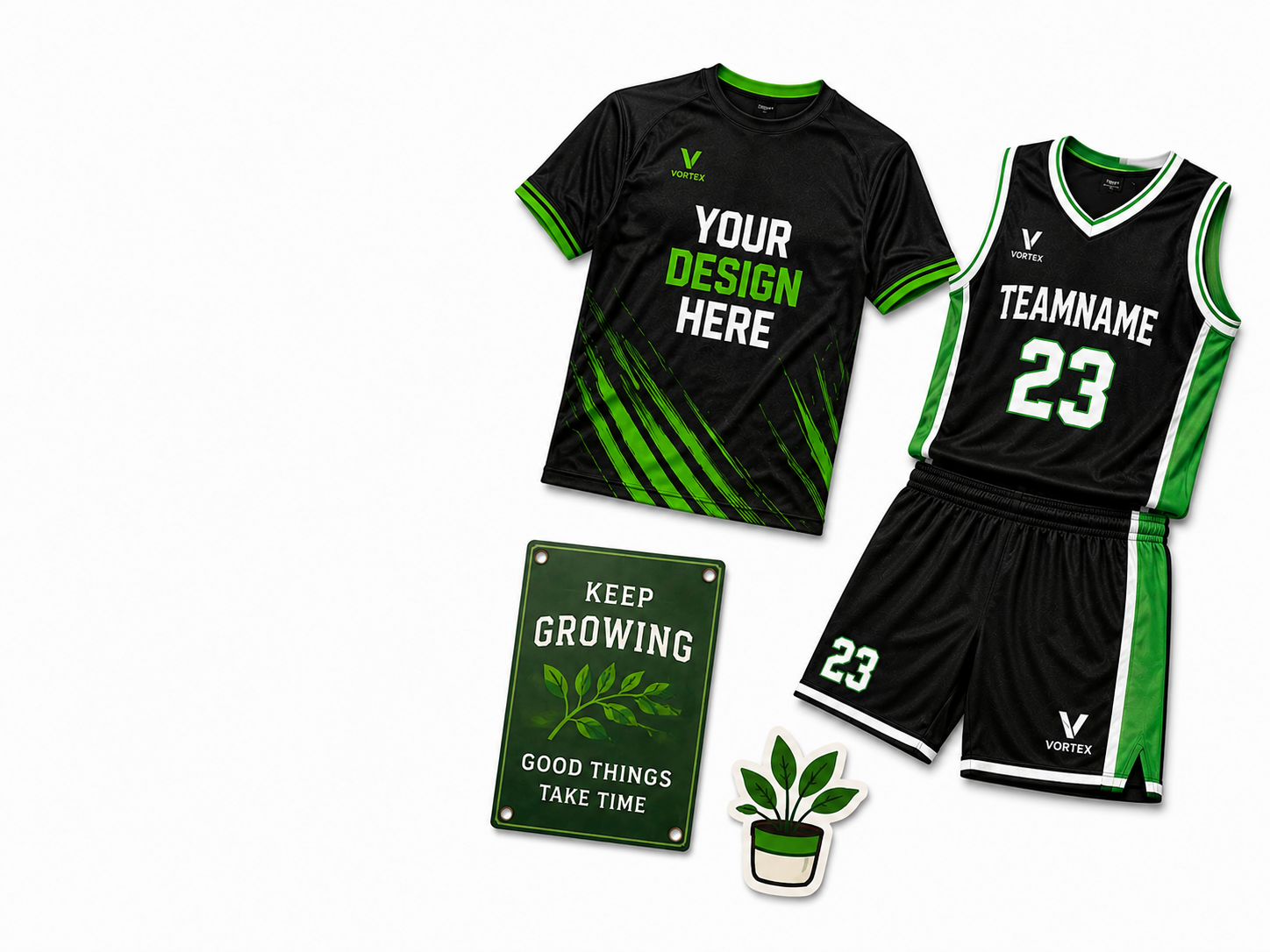
LiveArt Designer Demo
Browse the catalog, customize products,
and place orders for free to see how it works.
Explore popular categories
Allow easy product personalization in your WooCommerce storefront
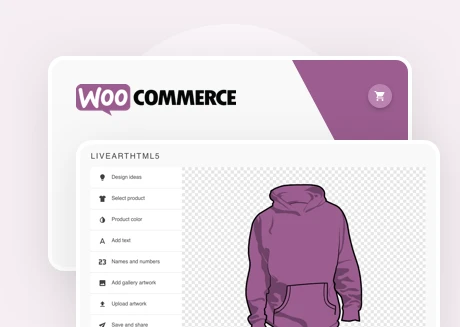
Web to Print Product Designer
Customizable to your business needs. Built for ease and efficiency.
- Personalized demo tailored to your store’s needs
- Get started within days, not weeks
- Pre-configured product templates
- Customizable solution to match your needs
- We handle setup so you can focus on sales
Key features

Professional consulting
Our goal is to hear your pains and find the best fit for your case based on our 15+ years of experience.

Easy to use
The tool is user-friendly and responsive. Only useful features for effective communication, design, and ordering.

Simple licensing
Annual payment. No hidden fees, no commissions or royalties. No revenue sharing.

Easy to customize
Our dedicated team can customize the tool or build a tailored solution according to your requirements.

Responsive HTML5/JS based
Our design tool is based on HTML5/JS tech, ensuring the best performance, flexibility, and scalability.
Get efficient support
We don’t just provide software — we equip you with everything needed for a smooth start. Our video tutorials and documentation guide you through setting up the WooCommerce custom product design studio, making onboarding straightforward.
Additionally, as part of your license, we configure several products in your store, giving you ready-to-use examples that serve as a reference for future setups.

Frequently asked questions
Can I add templates?
Yes. Our product design tool lets you add your own products and pre-designed templates, which help customers get started with designing. Templates are configurable in the admin panel using LiveArt Designer. During template setup, the admin can make certain elements required, fixed, or movable under given constraints.
Which products can I add to the designer?
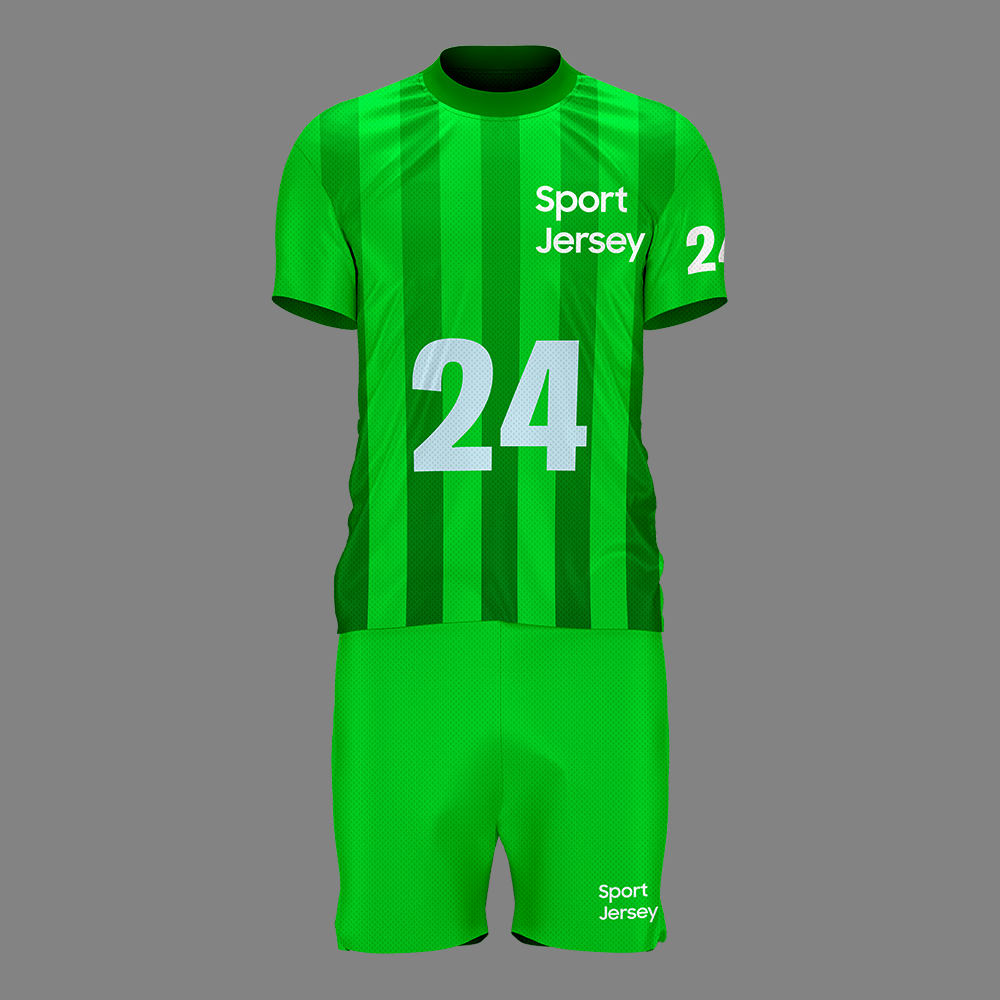
LiveArt Designer supports any kind of promotional product, a wide range of sports uniforms, signs, decals, and apparel. It also ships with multiple sample product templates you can start from when building your own catalog. LiveArt’s functionality is versatile enough to sell different product types simultaneously and enable specific features for each.
What if I need a specific product setup?
Depending on your licensing package, we can prepare product templates to your specific requirements, along with the documentation and instructions for product preparation. After that you can prepare further products on your own with minor assistance from us, setting them up in the respective admin panel. You can also hire our dedicated team if you have many complex product templates to prepare.
Do you support 3D realistic look products?
Yes. We can configure your 2D product templates by adding shadows, lights, and layers to achieve 3D effects. This works perfectly for sports uniforms, where full 3D support may be unnecessary. Share your products with us so our team can evaluate them and prepare a personalized demo.
Do you offer customization to your products?
Yes. We offer custom development, letting you build your own designer or customize the off-the-shelf one.
How much can we customize the interface?
LiveArt HTML5 has an open-source part of the UI/UX code, which you can customize and extend to your liking: add new labels, update Bootstrap CSS styles, create custom JavaScript handlers, and more. Our team is glad to help you understand LiveArt’s functions, but note that free support does not extend to your modified code.
How can I order LiveArt for my business?
Use our feedback form or contact email and send us a brief description of your business and your needs for an online design application. Our manager will contact you shortly and suggest a product and a customization plan.
What output does LiveArt designer provide?
LiveArt produces vector SVG containing a preview of the product, the design itself, or both. SVG is a universal vector format that can be previewed on the web, published as PDF straight from the browser, or converted into a number of other formats using tools such as Adobe Illustrator, CorelDRAW, Inkscape, and ImageMagick, or online services like CloudConvert.
Let’s get in touch
We’d be glad to talk to you. Ask our team about anything online-design related: integration with your website, new feature development, discounts, or purchasing a license.